

What Happens to Your WordPress Site When It Breaks and No One Has a Backup
by Rob Austin
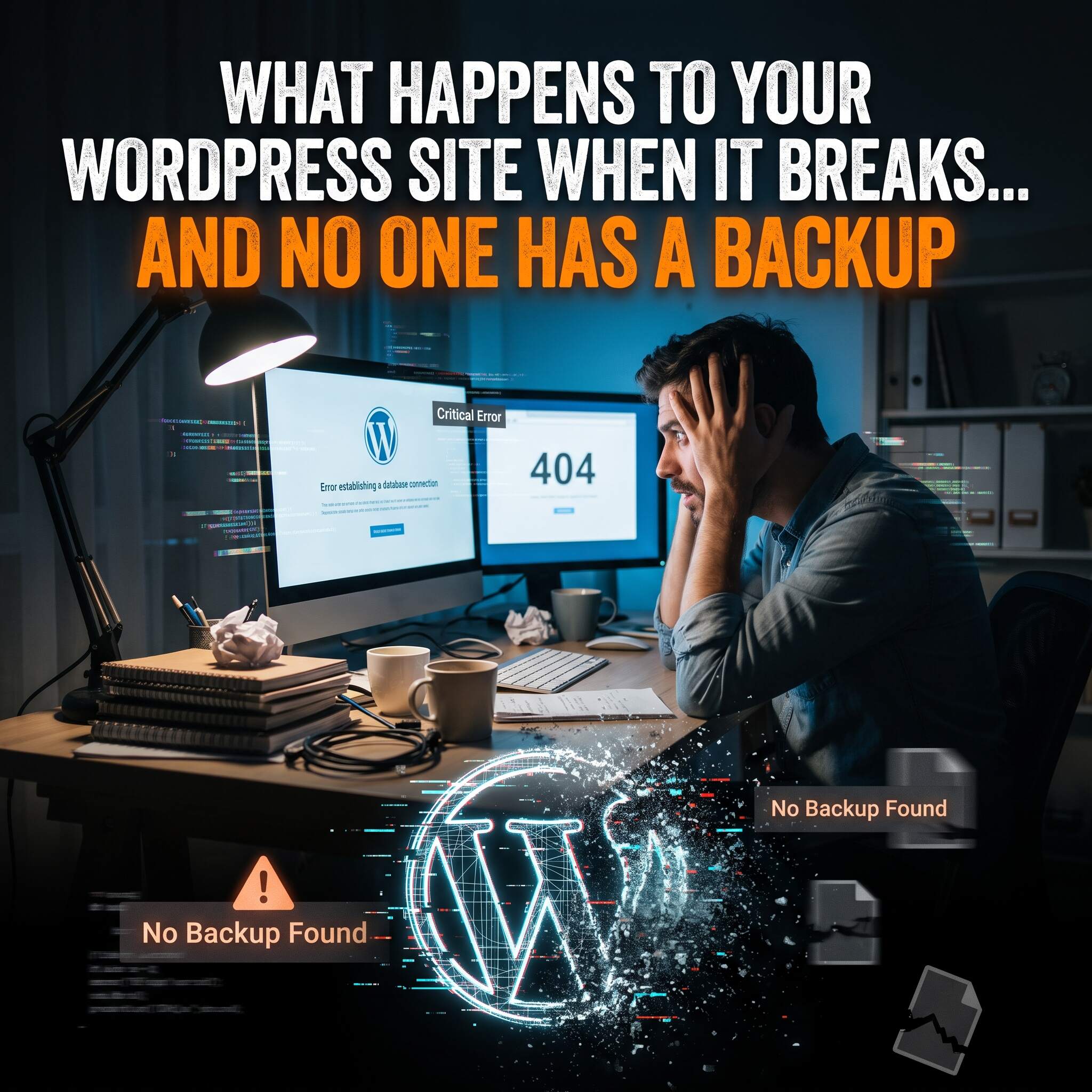
It is a Tuesday morning. You open your website and see a white screen. Or an error message. Or a page that looks nothing like the one you paid for.
Now the question that matters: do you have a recent backup?
If the answer is yes, this is an annoying hour. If the answer is no, it can get expensive fast.
First, your site is down and you may not know it
When a WordPress site breaks, it does not send you a note. Customers find it first. They click a link, hit an error, and leave. Some of them do not come back.
The longer a site is down before anyone notices, the more visits, inquiries and donations slip away. That is why downtime monitoring matters. You want to hear about a problem from your maintenance team, not from a frustrated customer.
Then you find out what a backup would have saved
Without a backup, there is no clean version to go back to. Fixing the site means digging through files and databases to work out what went wrong, one piece at a time. Sometimes that works. Sometimes parts of the site, like pages, posts, forms or settings, are simply gone and have to be rebuilt by hand.
With a recent, off-site backup, the conversation is different. Roll back to the last good version, confirm the site works, and get on with your day.
Off-site is the key word. A backup stored on the same server as your website can go down with it. A copy kept somewhere else is the one that is still there when you need it.
Why sites break in the first place
Most breakages are not dramatic. WordPress sites are made of a core system, a theme and a collection of plugins, and all of them need regular updates. An update to one piece can clash with another. A plugin that worked fine last month stops playing well with the latest version of WordPress. Nobody did anything wrong. That is just how a living website behaves.
Skip the updates and you leave the site exposed and out of date. Run them carelessly on the live site and you risk breaking it in front of your visitors.
The safer way to update: staging first
The fix is simple. Run updates on a private copy of your site first, known as a staging site. If something breaks, it breaks there, where no customer can see it. We find the problem, fix it, and only then update the live site.
It is a small step that turns a possible emergency into a non-event.
What a maintenance plan actually covers
This is what our 2027 WordPress Backup & Maintenance Plan includes:
- Off-site backups of your entire site
- Updates run through a staging site first, so problems are caught before they reach your live site
- Downtime monitoring, so we know when something goes wrong, ideally before you do
It is $750 for the full year, January 1 through December 31, 2027. We offer it for sites we built and for sites built by others.
Who this is for
Busy people. Owners and teams who have a hundred other things to do and would rather hand this one to experts than learn the ins and outs of WordPress maintenance.
WorkSite has been building and caring for WordPress sites since 2012, and we have launched over 100 of them. Backups, updates and monitoring are part of how we keep those sites healthy.
Do not wait for the white screen
A backup is the cheapest thing you will never wish you skipped. Set it up before you need it.
See the 2027 Backup & Maintenance Plan
Questions first? Call us at 773.769.7227 and talk to Rob or Tom directly.
Rob and Tom, WorkSite LLC
Recommended Posts

You’re an expert in your field, why try to master another one?
November 19, 2025

